FOR YOU
Start with a specific need
People who want to organize notes from everyday life, work and moments of inspiration.
Photos, notes and voice recordings are scattered and difficult to revisit.
A personal recording and AI-assisted reflection product that connects everyday information with organization, search and summaries.
App Store listings exist. Detailed capabilities below come from historical product documents. The mixed legacy workspace does not verify every feature in the current release.
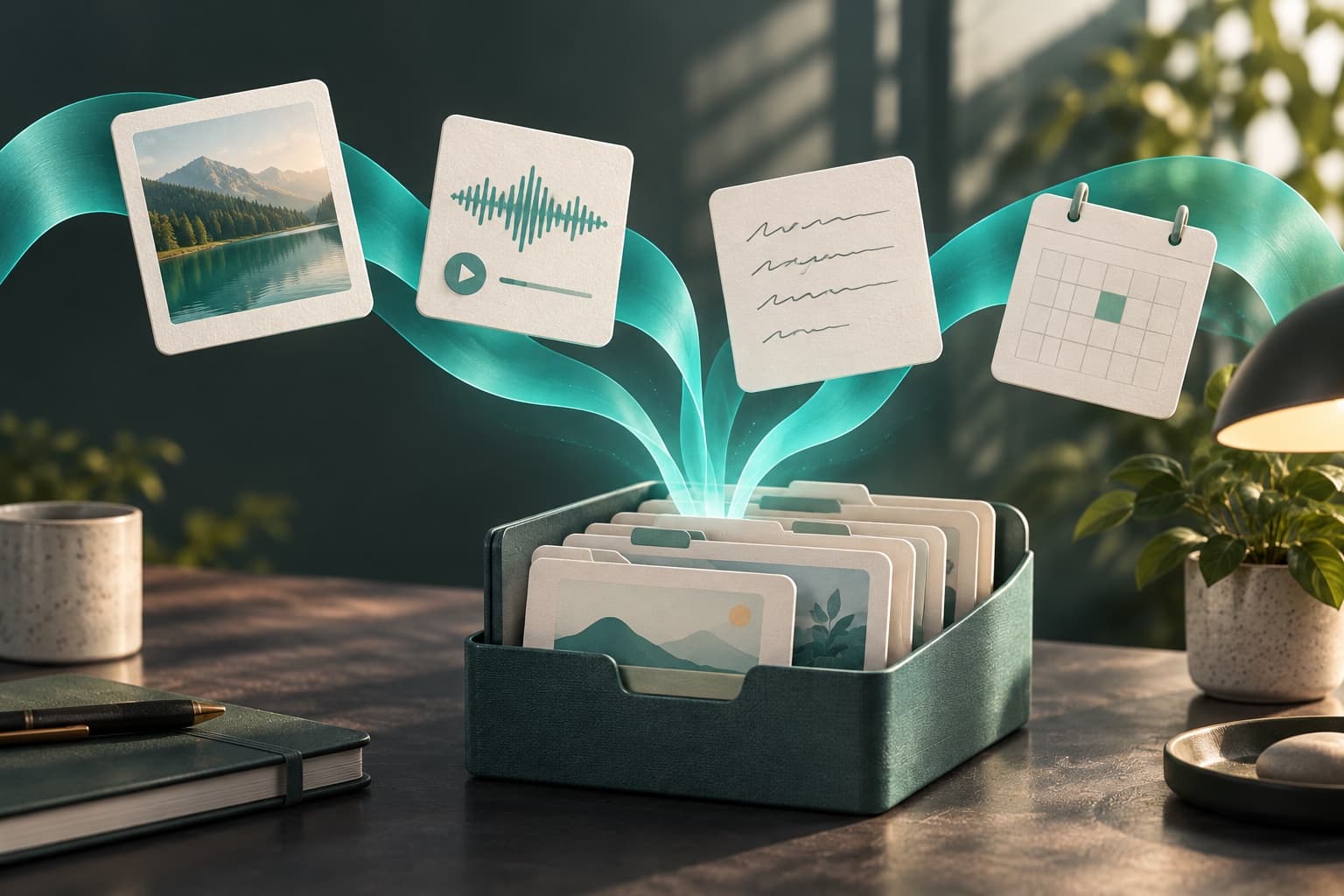
People who want to organize notes from everyday life, work and moments of inspiration.
Photos, notes and voice recordings are scattered and difficult to revisit.
Capture thoughts and experiences, then revisit related information through search and summaries.
Listed in the China and US App Stores. The app is listed as supporting Simplified Chinese.
iOS; interface language depends on the app
The detailed product document describes capturing text, images, voice and other records in one personal space. Available input types depend on the current app version.
The product design connects original records with recognition, categories, tags and structured information so they can be found and used again.
Keyword and semantic search are intended to connect a question with relevant records. No accuracy or permanent-memory guarantee is implied by this description.
The assistant is designed to use personal context for organization, summaries and reflection. Available actions, models and authorization requirements need to be checked in the current version.
Daily summaries, diaries and a memory gallery are documented as ways to revisit records, beyond simply storing them.
Start with an idea or material in a format supported by the current app.
Connect content with a topic and context, then return through a question.
Read summaries alongside original records and assess the result.
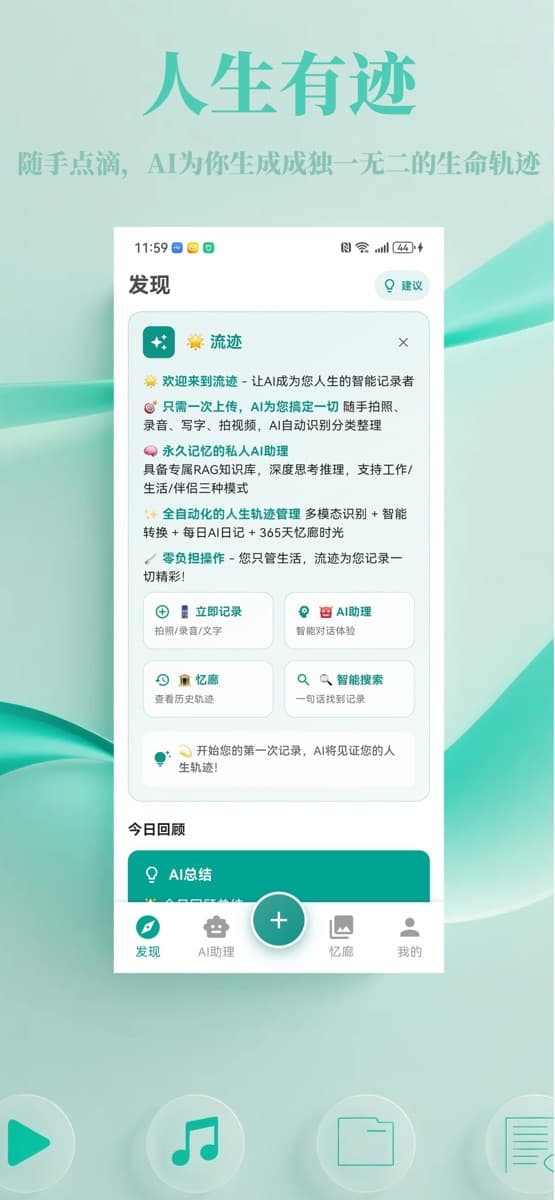
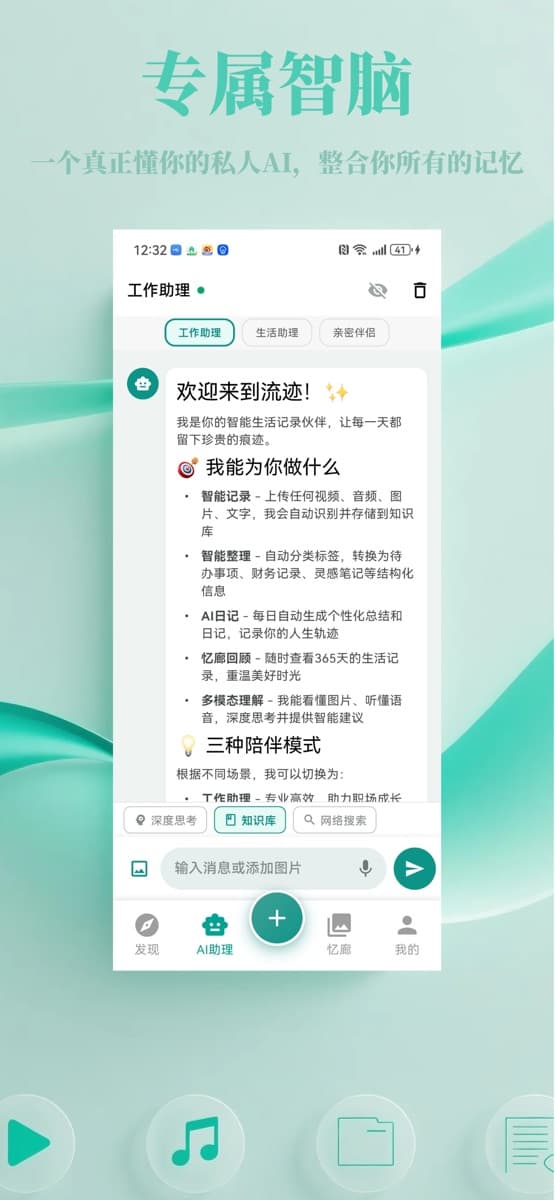
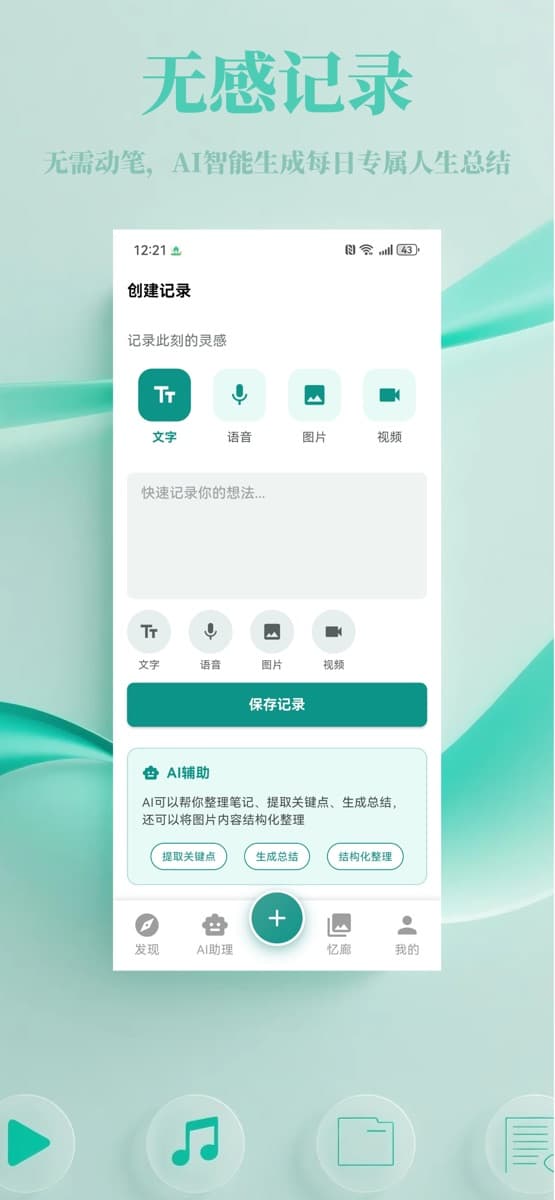
App Store listings exist. Detailed capabilities below come from historical product documents. The mixed legacy workspace does not verify every feature in the current release.
This page explains capabilities and scenarios. The documentation center provides an introduction and related materials. Use the verified product links to check actual availability.